Exchange Online PowerShell with Modern Authentication and Azure MFA available!
A while back I wrote a blog post on how you could use Azure AD Privileged Identity Management to indirectly require MFA for Office 365 Administrator Roles activation before they connected to Exchange online via Remote PowerShell. See http://gotoguy.blog/2016/09/09/how-to-enable-azure-mfa-for-online-powershell-modules-that-dont-support-mfa/
.
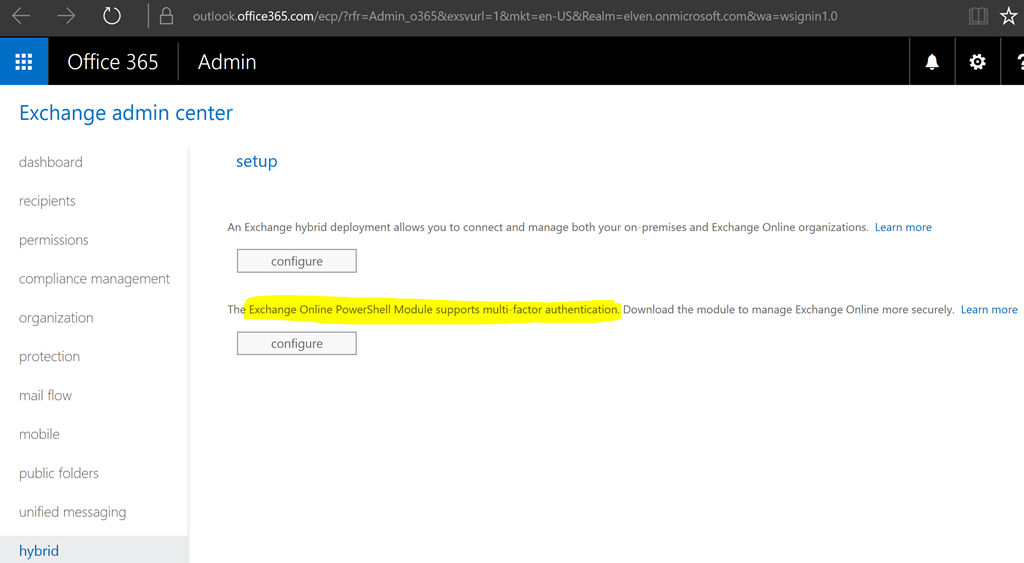
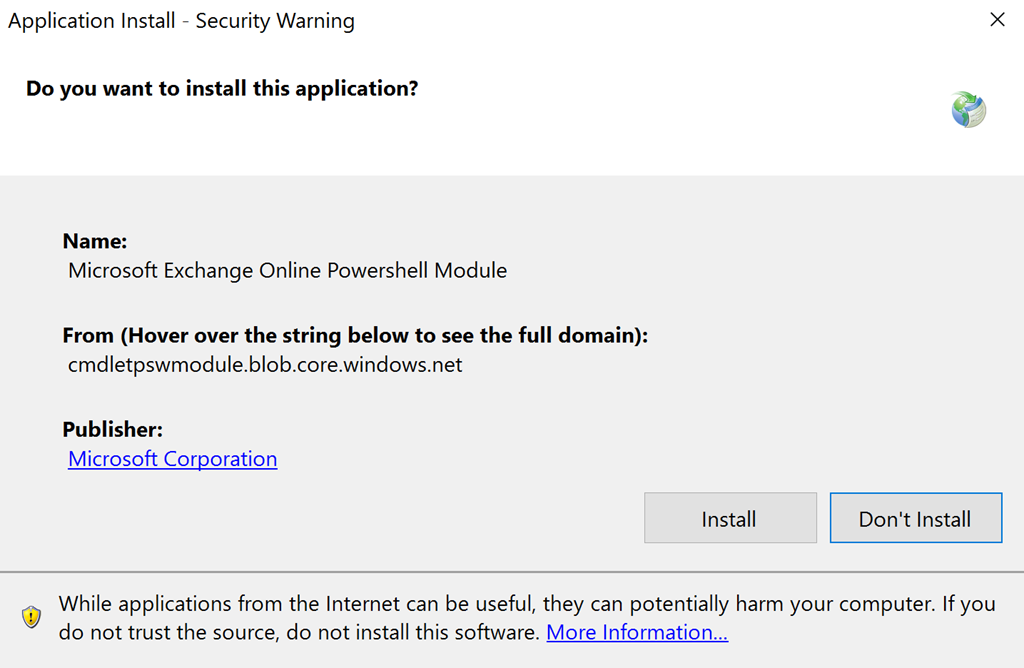
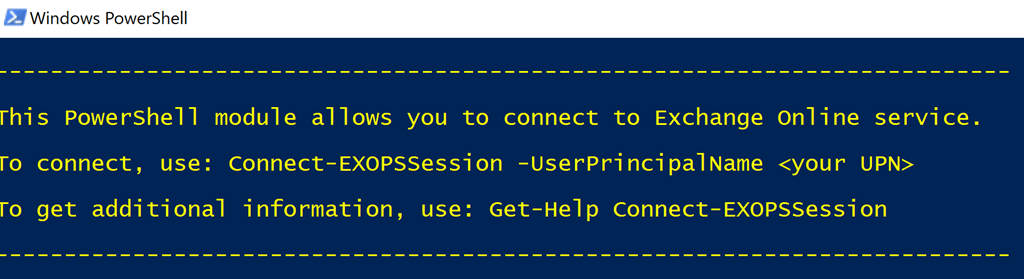
In december a new Exchange Online Remote PowerShell Module was released (in preview), https://technet.microsoft.com/en-us/library/mt775114(v=exchg.160)
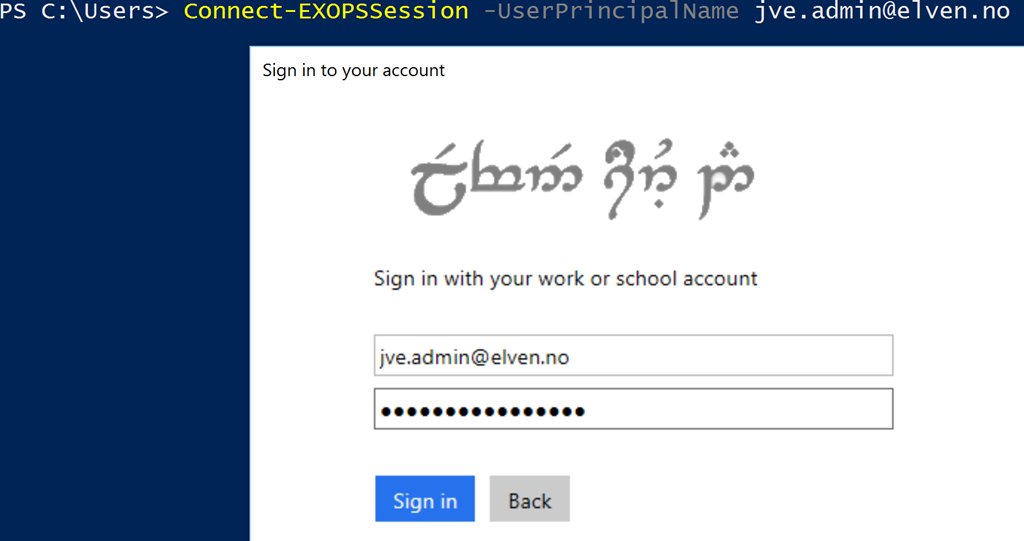
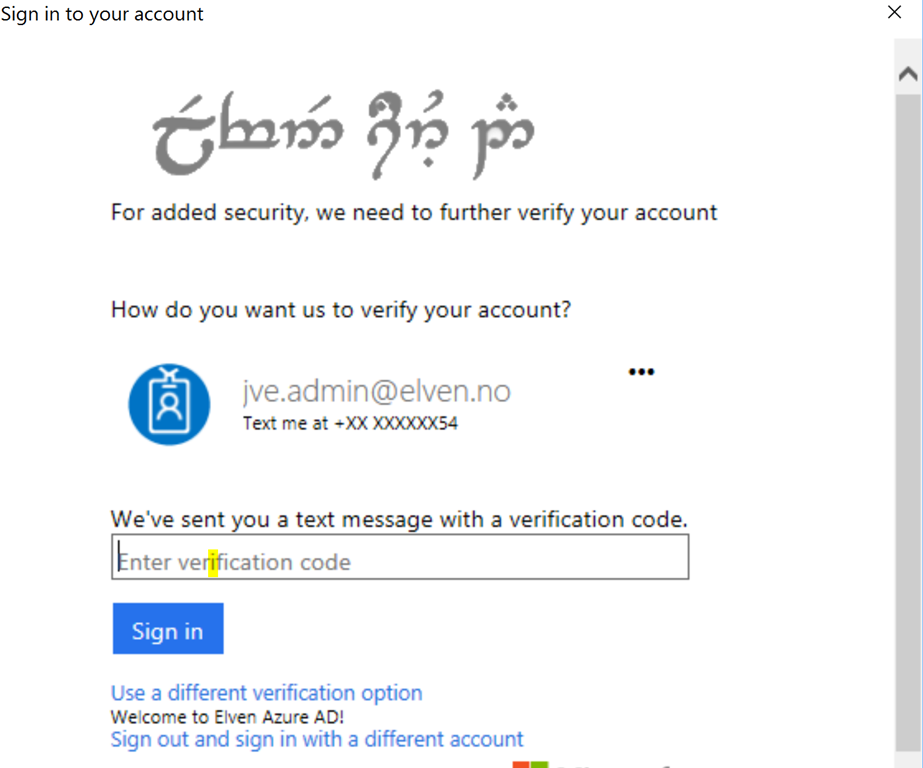
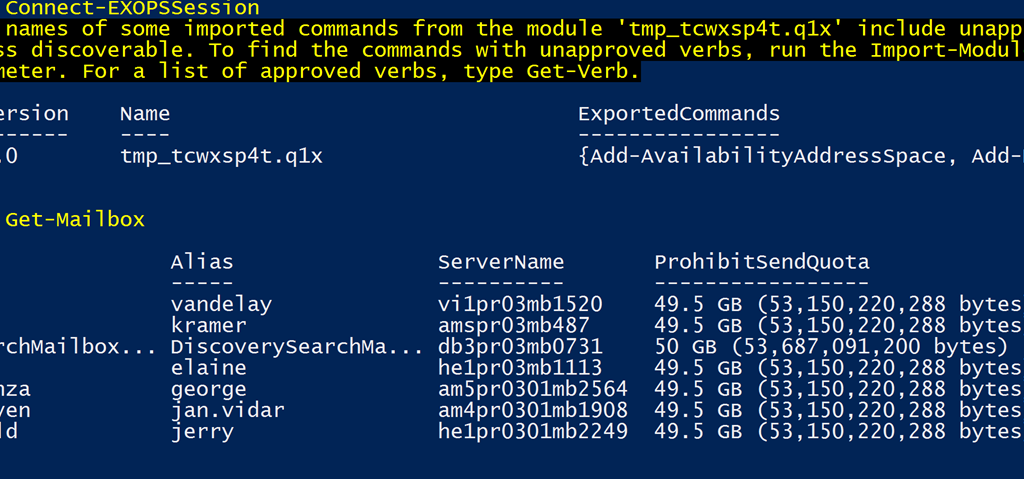
, that uses Modern Authentication and that supports Azure Multi-Factor Authentication. Lets try it out:
First you need to verify that Modern Authentication is enabled in your Exchange Online organization, as this is not enabled by default: https://support.office.com/en-us/article/Enable-Exchange-Online-for-modern-authentication-58018196-f918-49cd-8238-56f57f38d662?ui=en-US&rs=en-US&ad=US
In my Exchange Online organization I verify that Modern Authentication is enabled: